So I actually didn’t mean to ship all of the new file parsers and writers while they’re still experimental, but they’re stable so when I unintentionally merged them into main, I just went with it and started writing documentation.
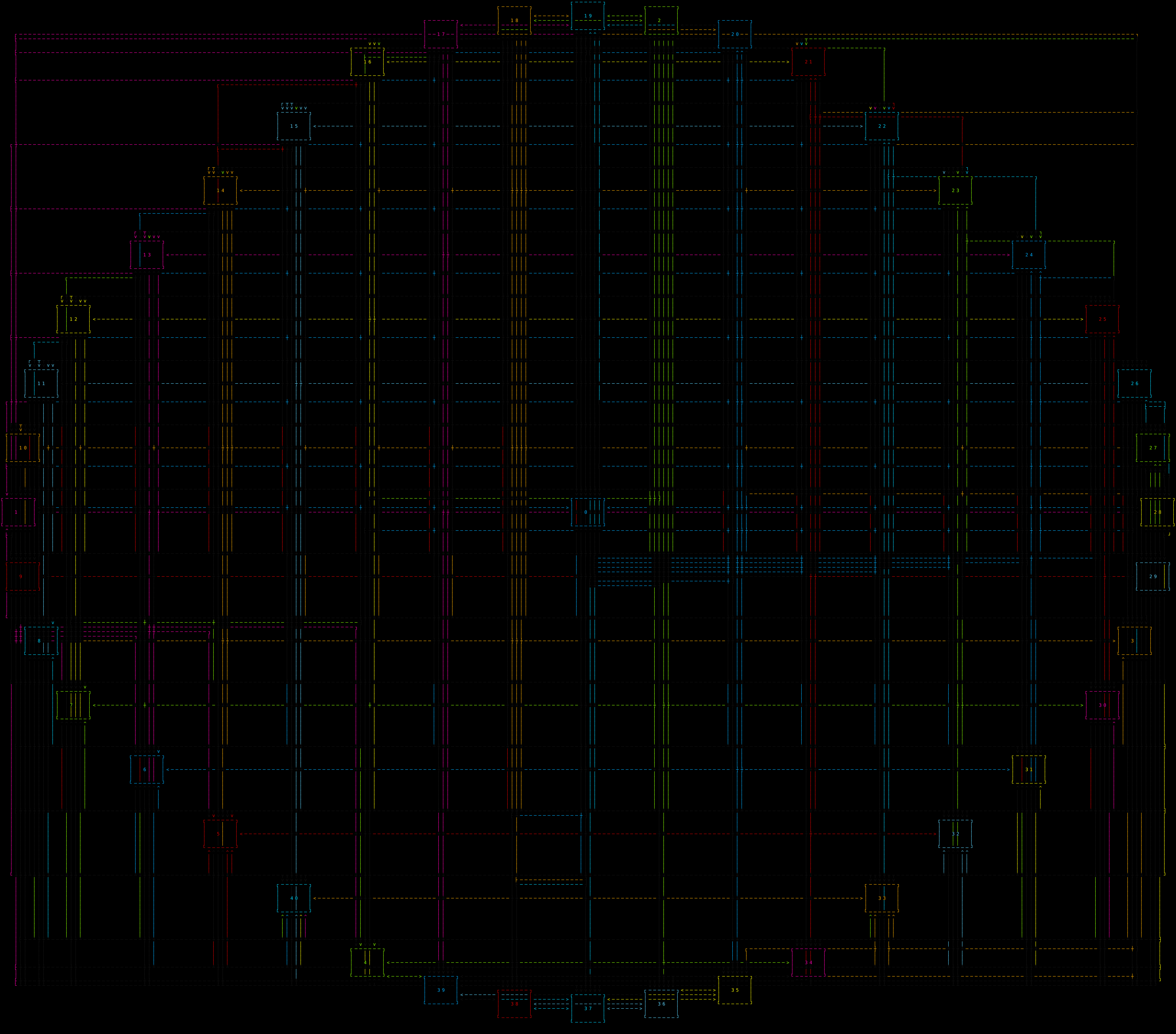
One interesting thing that I didn’t actually anticipate until after I started playing with the SVG modes, fixing bugs, and testing limits, is that aside from being vectors and zoomable beyond what a character display or even a modern emulated terminal with great resolution, a screenshot, etc, is that since the SVG is not generated directly from the Graph data, but rather from the output of the ASCIIRenderer, while the paths are still limited to 90 degree angles, the geography of the graph diagram can span much larger, so with appropriate use of layer spacing, node spacing, and the H and V padding, you can render really compact and densely populated graphs, with paths intricate that remain visibly distinct.
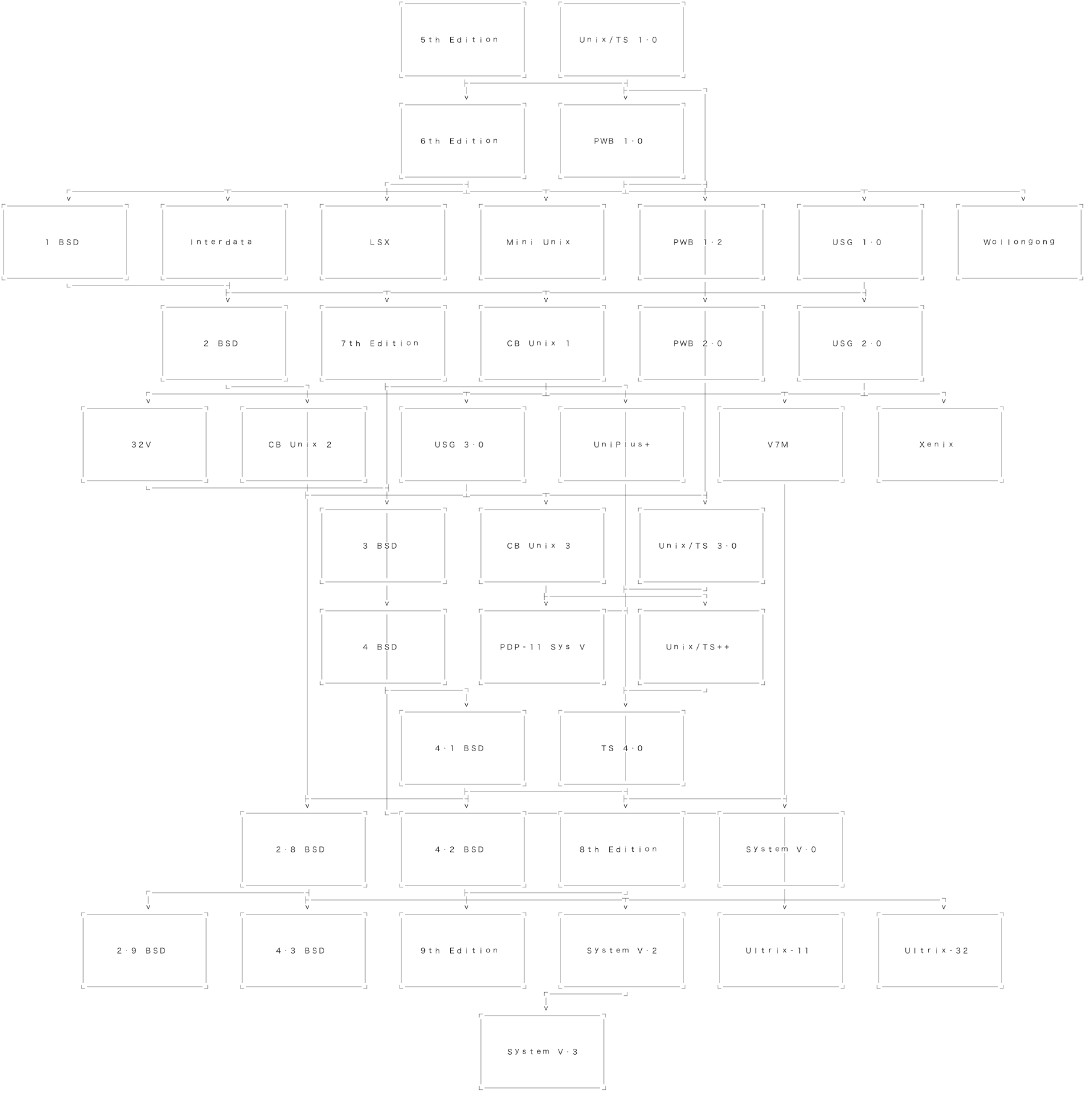
Another cool thing about this is since it is essentially using a virtual x/y grid as if it were a console display, you can have the SVG use a font that is not monospaced, but it will be arranged monospace regardless of kerning or glyph positioning hints given by the font itself; PHART decides it’s all on a grid. :-) Some really nice looking diagrams can result, despite the primitive orthogonal constrains PHART works in by design.
And here is a very clean, monospaced look from the AquaKana font!
I’m quite pleased with the results. Let me know if you do anything cool with SVG in PHART.
PHART provides two SVG output modes:
text mode (default): writes cell content as SVG <text> elements.path mode: writes glyph outlines as SVG <path> elements.path mode is useful when you need deterministic output across environments (no font substitution drift in SVG viewers).
pip install phart[svg]
phart[svg] includes:
fonttools (glyph outline extraction)matplotlib (font family name lookup when no explicit font path is passed)These examples all show stdout redirection for saving files, but I will mention that there is also an --output <filename> flag if you care to use it. It’s really just a matter of preference now, but originally due to differences in how the output is handled in the maybe obscure mode where you use the CLI to run the contents of an existing .py script as if it were a graph input source, I have two different paths in the CLI - one that directly renders and outputs, and the other captures the output of the first method, and then writes it to wherever. Right now it seems useless, so redirection or passing a filename is just a matter of preference, but I may keep the two pathways even after I finish the refactor to enable more wonky “framebuffer” type pipelines on giant virtual character-mode displays. Also, with as nicely surprising having SVG as an output target turned out to be (I was trying to be a smartass when I first had the idea to add it; a bit like the entire premise of building PHART in the first place. It’s sometimes surprising how actually useful or fun things that are “obviously” a ridiculous waste of effort can be), I hesitate to eliminate the awkward path on the chance that a surprising use for it may appear later down the line.
phart --output-format svg graph.dot > graph.svg
phart --output-format svg \
  --svg-text-mode path \
  --svg-font-path /path/to/font.ttf \
  graph.dot > graph.svg
phart --output-format svg \
  --svg-text-mode path \
  --svg-font-family "Menlo" \
  graph.dot > graph.svg
text mode remains the default for speed and broad compatibility.path mode, per-cell ANSI edge colors are preserved in the generated SVG.SVG path glyph mode requires fonttools: install phart[svg] or fonttools.--svg-font-path not found: verify the path is correct and readable.Could not resolve font '...': pass --svg-font-path explicitly.